


If you searched for “upstream light blinking modem”, the useful answer is not just a colour chart. You need to know whether the light is normal, whether the internet is actually down, and what to check without making the problem worse. Router and modem lights are not perfectly standard across brands, so always match the colour to the label beside the light and the exact model. Still, the pattern below will solve most home cases.
Quick answer: A blinking upstream light usually means a cable modem is scanning for an upstream channel or has not locked enough upstream channels yet.
What it usually means
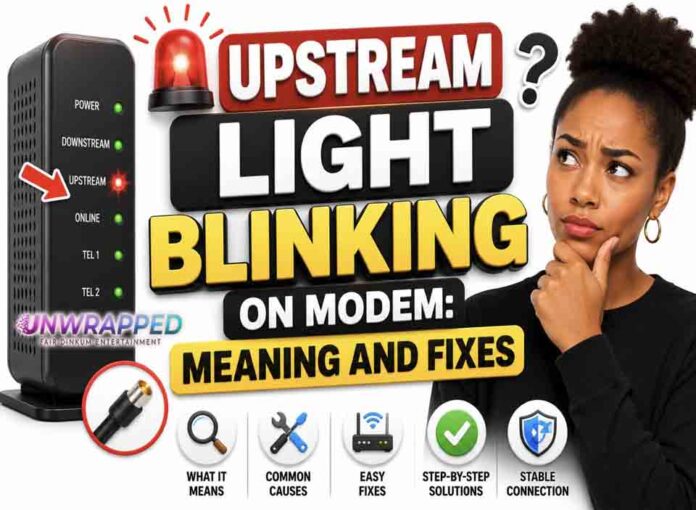
On cable modems, downstream is data coming to you and upstream is data going back to the network. NETGEAR says a blinking upstream LED on its multi-gig cable modems means the modem is scanning for an upstream channel. A solid amber upstream light can mean one channel is locked, while solid green or white can mean two or more channels are locked. If upstream keeps blinking and Online never becomes solid, the modem may not be fully connected to the provider network. The key is to separate three things: power, local Wi-Fi, and the connection to the provider. A router can broadcast Wi-Fi even when the modem or fibre box has no internet. Likewise, an Ethernet light can blink simply because traffic is moving, not because anything is wrong.
Common causes include: Modem is still booting.; Coax cable is loose or damaged.; Splitter or wall outlet is reducing signal quality.; Provider upstream signal issue.; New modem not activated.; Area outage or maintenance.
Fix it in this order
- Wait five minutes after modem startup.
- Tighten coax finger-tight at modem and wall.
- Temporarily remove unnecessary splitters.
- Restart the modem once and wait for downstream, upstream, then online to stabilise.
- Check provider activation status.
- Call support if upstream never locks.
What not to do
Do not overtighten coax with tools; finger-tight is usually enough and safer for the connector. Also avoid changing advanced settings such as VLAN, PPPoE, bridge mode, or DNS unless you know why you are changing them. A normal reboot is safe; a factory reset is a last resort because it can erase Wi-Fi names, passwords, and custom settings.
When to get help
Contact support if upstream blinks continuously for more than 10 to 15 minutes, especially with slow uploads, dropouts, or no online light. When contacting support, give the exact device model, the light label, the colour, whether it is solid or blinking, and how long it has been happening. That detail is far more useful than saying only that the router is broken.
FAQ
Q: Can internet work with upstream blinking?
A: It may work poorly or not at all, depending on whether enough channels are locked.
Q: Is this Wi-Fi related?
A: No. Upstream is part of the cable modem’s provider connection.
Q: Can bad coax cause it?
A: Yes. Loose, corroded, or split coax can cause channel-lock problems.