



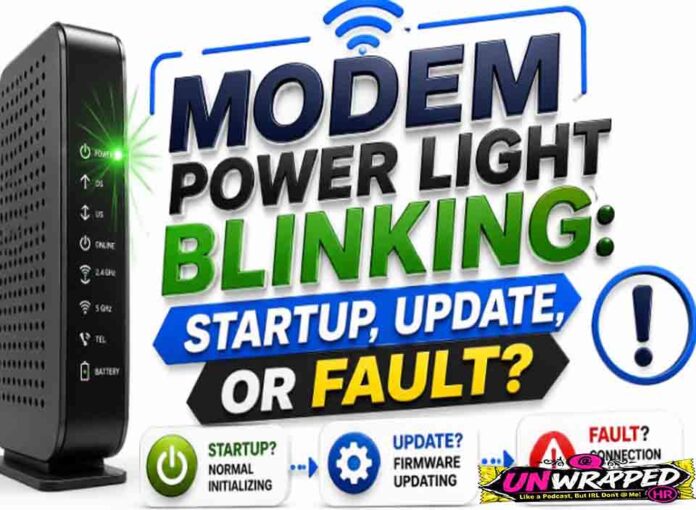
If you searched for “modem power light blinking“, the useful answer is not just a colour chart. You need to know whether the light is normal, whether the internet is actually down, and what to check without making the problem worse. Router and modem lights are not perfectly standard across brands, so always match the colour to the label beside the light and the exact model. Still, the pattern below will solve most home cases.
Quick answer: A blinking power light often means the modem or router is booting, resetting, or updating, but if it never stops it can point to firmware, power adapter, or hardware trouble.
What it usually means
Power lights are model-specific. NETGEAR says a router power LED can be solid amber while powering on, blinking amber while firmware is upgrading or reset was pressed, and blinking white when firmware is corrupted. On cable modems, NETGEAR also notes that a solid green or white power light means power is supplied, while no light means no power. The key is time: a short blink during startup is normal; a light stuck blinking for a long time needs troubleshooting. The key is to separate three things: power, local Wi-Fi, and the connection to the provider. A router can broadcast Wi-Fi even when the modem or fibre box has no internet. Likewise, an Ethernet light can blink simply because traffic is moving, not because anything is wrong.
Common causes include: Normal boot-up after being plugged in.; Firmware update is running.; Reset button was pressed.; Wrong or failing power adapter.; Power strip, surge protector, or outlet fault.; Corrupted firmware or hardware failure.
Fix it in this order
- Wait 10 minutes if you suspect an update.
- Confirm the power adapter is the original or correct rated adapter.
- Plug directly into a wall outlet for testing.
- Disconnect non-essential Ethernet and USB devices.
- Restart once after waiting.
- Contact manufacturer or provider if the light never changes.
What not to do
Do not unplug a device repeatedly during a firmware update. That can corrupt the firmware. Also avoid changing advanced settings such as VLAN, PPPoE, bridge mode, or DNS unless you know why you are changing them. A normal reboot is safe; a factory reset is a last resort because it can erase Wi-Fi names, passwords, and custom settings.
When to get help
Seek support if the power light blinks for more than 15 minutes, the router never broadcasts Wi-Fi, or the device feels unusually hot. When contacting support, give the exact device model, the light label, the colour, whether it is solid or blinking, and how long it has been happening. That detail is far more useful than saying only that the router is broken.
FAQ
Q: Can a bad adapter cause blinking?
A: Yes. Insufficient or unstable power can stop a router from booting properly.
Q: Should I hold the reset button?
A: Only if you intend to factory reset and understand that settings will be erased.
Q: What if there is no power light?
A: Check the outlet, power switch, adapter, and whether LEDs were disabled in settings.