



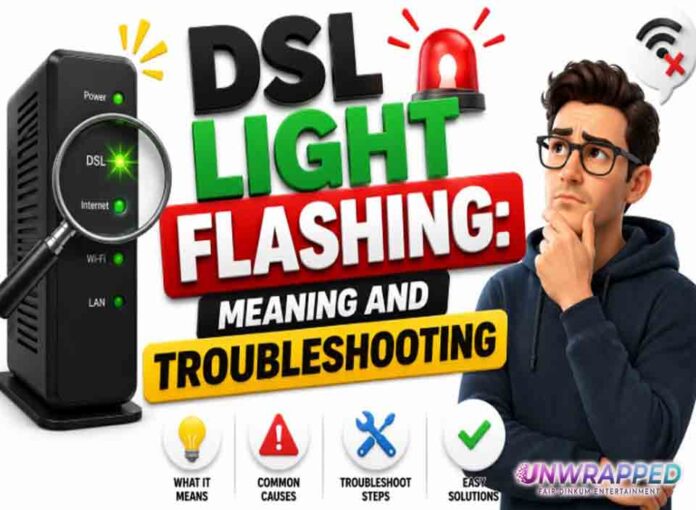
If you searched for “dsl light flashing”, the useful answer is not just a colour chart. You need to know whether the light is normal, whether the internet is actually down, and what to check without making the problem worse. Router and modem lights are not perfectly standard across brands, so always match the colour to the label beside the light and the exact model. Still, the pattern below will solve most home cases.
Quick answer: A flashing DSL light usually means the modem is trying to synchronise with the DSL line and has not established a stable broadband link yet.
What it usually means
DSL uses a phone-line based connection, so the modem must sync with equipment in the provider network before internet can work. Some hubs label this as DSL, Broadband, or Link. AT&T says a flashing green broadband light means the gateway is trying to connect to its network, while flashing red can mean it cannot connect. BT also tells users to check the broadband cable and filter when relevant lights show the hub is not connected. The exact colour differs by brand, but the troubleshooting logic is similar. The key is to separate three things: power, local Wi-Fi, and the connection to the provider. A router can broadcast Wi-Fi even when the modem or fibre box has no internet. Likewise, an Ethernet light can blink simply because traffic is moving, not because anything is wrong.
Common causes include: Loose DSL cable or wrong wall socket.; Missing or faulty microfilter on older phone-line setups.; Line fault outside the home.; Activation not complete yet.; Electrical interference or damaged internal wiring.; Provider equipment problem.
Fix it in this order
- Check the DSL cable is in the DSL/Broadband port, not Ethernet.
- Use the master socket if available.
- Replace the microfilter if your setup uses one.
- Disconnect extra phone devices briefly to test.
- Restart the modem and wait for DSL to become stable.
- Run the provider’s line test or outage checker.
What not to do
Do not cut, rewire, or open telephone sockets unless you are qualified and allowed to do so in your area. Also avoid changing advanced settings such as VLAN, PPPoE, bridge mode, or DNS unless you know why you are changing them. A normal reboot is safe; a factory reset is a last resort because it can erase Wi-Fi names, passwords, and custom settings.
When to get help
Report a fault if the DSL light keeps flashing after testing the master socket, filter, and a single reboot. When contacting support, give the exact device model, the light label, the colour, whether it is solid or blinking, and how long it has been happening. That detail is far more useful than saying only that the router is broken.
FAQ
Q: Can DSL take a few minutes to sync?
A: Yes. It is normal for DSL to flash during startup.
Q: Will Wi-Fi work before DSL syncs?
A: The local Wi-Fi may appear, but internet will not work properly.
Q: Does bad weather matter?
A: It can, especially if the line or external cabling has a fault.