



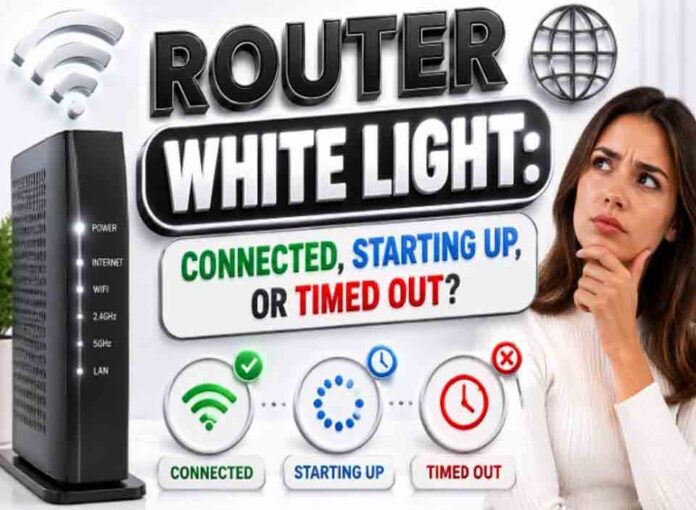
If you searched for “router white light meaning“, the useful answer is not just a colour chart. You need to know whether the light is normal, whether the internet is actually down, and what to check without making the problem worse. Router and modem lights are not perfectly standard across brands, so always match the colour to the label beside the light and the exact model. Still, the pattern below will solve most home cases.
Quick answer: A solid white router light often means connected or ready on modern routers, while blinking white commonly means startup, connecting, traffic, or setup depending on the device.
What it usually means
White has become common on newer mesh routers and gateways. Eero says solid white means online and blinking white means connecting. NETGEAR uses solid white for ready or operating states on many router LEDs, and blinking white for traffic on some internet ports. Starlink support describes solid white as connected and blinking white as trying to connect on router hardware. However, some devices turn the light off after a period of normal operation, so no light is not always a fault. The key is to separate three things: power, local Wi-Fi, and the connection to the provider. A router can broadcast Wi-Fi even when the modem or fiber box has no internet. Likewise, an Ethernet light can blink simply because traffic is moving, not because anything is wrong.
Common causes include: Normal connected state.; Startup or connecting state.; Traffic is passing through a port.; Setup or app pairing not complete.; LED timeout after successful connection.; Firmware update or reset process.
Fix it in this order
- Check whether the light is solid or blinking.
- If solid and internet works, leave it alone.
- If blinking and setup is new, wait and complete app instructions.
- If blinking for more than 10 to 20 minutes, restart once.
- Check modem/ONT status if the router cannot connect.
- Look for app alerts or outage notices.
What not to do
Do not chase a white light that turns off by design. Some devices dim or turn off LEDs after being connected for a while. Also avoid changing advanced settings such as VLAN, PPPoE, bridge mode, or DNS unless you know why you are changing them. A normal reboot is safe; a factory reset is a last resort because it can erase Wi-Fi names, passwords, and custom settings.
When to get help
Seek help if blinking white never becomes solid and all devices remain offline after the modem/ONT is stable. When contacting support, give the exact device model, the light label, the colour, whether it is solid or blinking, and how long it has been happening. That detail is far more useful than saying only that the router is broken.
FAQ
Q: Is solid white good?
A: On many modern routers, yes. It often means online or ready.
Q: Why did the white light turn off?
A: Some devices turn LEDs off after a timeout or let users disable them.
Q: Is blinking white the same as blinking green?
A: Not always. Both can mean activity, but model guidance is the source of truth.