



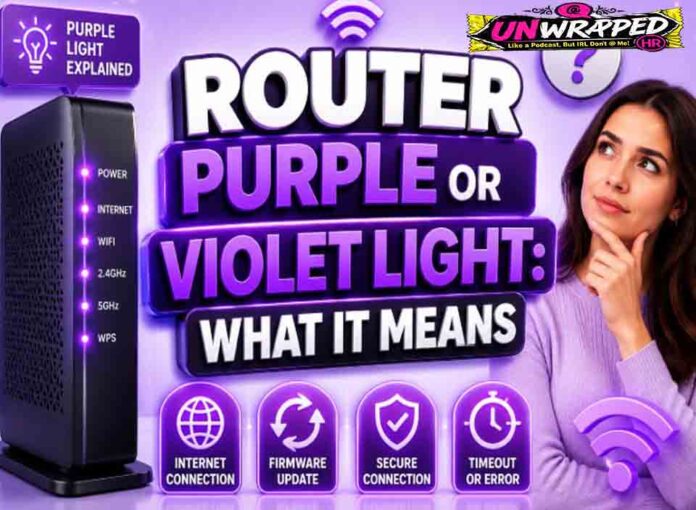
If you searched for “router purple light meaning“, the useful answer is not just a colour chart. You need to know whether the light is normal, whether the internet is actually down, and what to check without making the problem worse. Router and modem lights are not perfectly standard across brands, so always match the colour to the label beside the light and the exact model. Still, the pattern below will solve most home cases.
Quick answer: Purple or violet is highly brand-specific. It can mean hybrid/mobile backup, bypass mode, bridge mode, or that a broadband cable is not connected.
What it usually means
Unlike red or green, purple is not a generic networking standard. BT says a flashing purple light can mean the hub is working but the broadband cable is not connected, while a purple light can also relate to Hybrid Connect on some BT/EE setups. Starlink says violet indicates bypass mode, which requires a factory reset to exit. Some Virgin Media equipment has purple states on older hubs. The right fix depends entirely on the device and mode. The key is to separate three things: power, local Wi-Fi, and the connection to the provider. A router can broadcast Wi-Fi even when the modem or fibre box has no internet. Likewise, an Ethernet light can blink simply because traffic is moving, not because anything is wrong.
Common causes include:
- Router is in bypass or bridge mode.
- Broadband cable is disconnected or in the wrong port.
- Hybrid/mobile backup is active.
- A setup mode is incomplete.
- The user changed router mode in the app or web interface.
Fix it in this order
- Look up the exact model and label.
- If using BT, check the broadband or Ethernet cable as instructed for your connection type.
- If using Starlink, check whether bypass mode was enabled intentionally.
- If backup mode is active, check fixed broadband status.
- Avoid factory reset unless you know it is required to exit the mode.
- Document your Wi-Fi name and settings before reset.
What not to do
Do not reset a bypassed router until you understand what device is currently handling routing. You may break a working third-party router setup. Also avoid changing advanced settings such as VLAN, PPPoE, bridge mode, or DNS unless you know why you are changing them. A normal reboot is safe; a factory reset is a last resort because it can erase Wi-Fi names, passwords, and custom settings.
When to get help
Get support if purple appears suddenly after an outage and you cannot tell whether it is backup mode, bridge mode, or a missing cable. When contacting support, give the exact device model, the light label, the colour, whether it is solid or blinking, and how long it has been happening. That detail is far more useful than saying only that the router is broken.
FAQ
Q: Is purple bad?
A: Not always. It can indicate a chosen mode, such as backup or bypass.
Q: Can purple mean no internet?
A: Yes, on some hubs it can mean the broadband cable is not connected.
Q: Why does Starlink show violet?
A: Starlink uses violet for bypass mode on supported router hardware.
See Also: Router White Light: Connected, Starting Up, or Timed Out?