



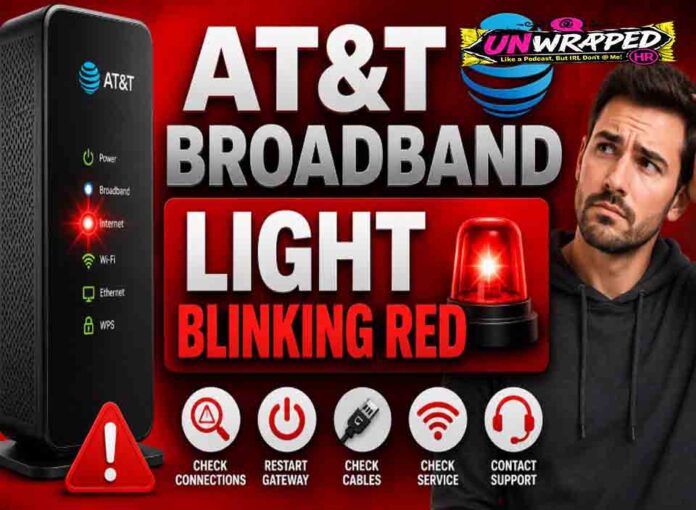
If you searched for “att broadband light blinking red“, the useful answer is not just a colour chart. You need to know whether the light is normal, whether the internet is actually down, and what to check without making the problem worse. Router and modem lights are not perfectly standard across brands, so always match the colour to the label beside the light and the exact model. Still, the pattern below will solve most home cases.
Quick answer: AT&T says a flashing red Broadband light means the gateway can’t connect to the AT&T network.
What it usually means
AT&T’s gateway status light guide is clear for this one: Broadband solid green means connected to the network, flashing green means trying to connect, flashing green and red means the gateway tried to connect for more than three minutes, and flashing red means the gateway cannot connect to the network. That makes this a provider connection problem rather than a normal Wi-Fi light. The issue may be inside the home, outside on the line, or related to service activation. The key is to separate three things: power, local Wi-Fi, and the connection to the provider. A router can broadcast Wi-Fi even when the modem or fibre box has no internet. Likewise, an Ethernet light can blink simply because traffic is moving, not because anything is wrong.
Common causes include: Loose or damaged broadband cable.; Gateway is connected to the wrong port or wall jack.; AT&T line or network issue.; Service activation/authentication problem.; Gateway has failed after update or power event.; Power interruption during startup.
Fix it in this order
- Check that the broadband cable is firmly connected.
- Restart the gateway once and wait for the lights to settle.
- Inspect the cable for cuts, kinks, or loose connectors.
- Use the AT&T app or account tools to check outages.
- If using fibre, check the ONT or service box lights.
- Contact AT&T if flashing red returns.
What not to do
Do not keep pressing reset. A factory reset can erase settings without fixing a network-side fault. Also avoid changing advanced settings such as VLAN, PPPoE, bridge mode, or DNS unless you know why you are changing them. A normal reboot is safe; a factory reset is a last resort because it can erase Wi-Fi names, passwords, and custom settings.
When to get help
Call AT&T if Broadband remains flashing red after cable checks and a normal reboot, or if multiple service lights are abnormal. When contacting support, give the exact device model, the light label, the colour, whether it is solid or blinking, and how long it has been happening. That detail is far more useful than saying only that the router is broken.
FAQ
Q: Can Wi-Fi still appear?
A: Yes. The gateway can broadcast Wi-Fi while failing to connect to AT&T’s network.
Q: Is flashing red worse than flashing green?
A: Yes. Flashing green means trying; flashing red indicates it cannot connect.
Q: Can this be an outage?
A: Yes. Check AT&T outage tools from mobile data.
See Also: Router Lights Are On But No Internet: What to Check First