



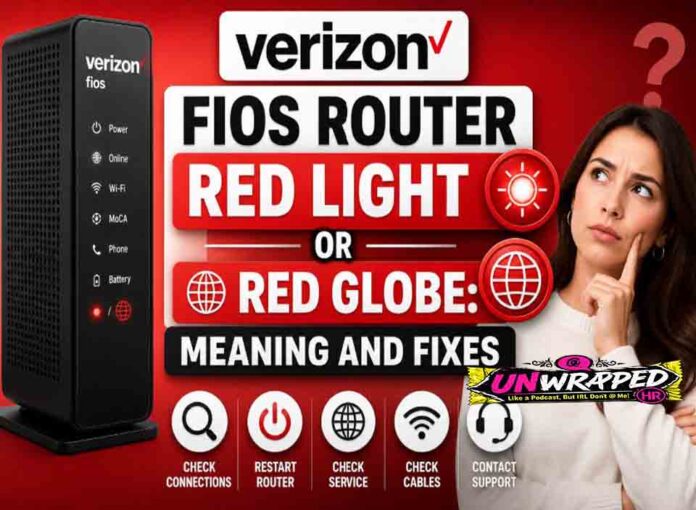
If you searched for “verizon fios router red light“, the useful answer is not just a colour chart. You need to know whether the light is normal, whether the internet is actually down, and what to check without making the problem worse. Router and modem lights are not perfectly standard across brands, so always match the colour to the label beside the light and the exact model. Still, the pattern below will solve most home cases.
Quick answer: On Verizon router equipment, a red internet light or red globe commonly means the router is not connected to the internet.
What it usually means
Verizon’s support page for the Actiontec MI424WR says a solid green internet light means the router is connected to the internet, while a solid red internet light means it is not connected. It also says the Ethernet WAN light should be green when there is a valid physical connection between the router and the Verizon ONT. That gives you a practical checklist: first confirm the ONT and WAN link, then the router’s internet status. The key is to separate three things: power, local Wi-Fi, and the connection to the provider. A router can broadcast Wi-Fi even when the modem or fibre box has no internet. Likewise, an Ethernet light can blink simply because traffic is moving, not because anything is wrong.
Common causes include: Verizon outage or ONT issue.; Ethernet cable between ONT and router is loose.; Router cannot obtain internet from the ONT.; Router is overheating or stuck after an update.; Service/account or provisioning problem.; Bad WAN port or cable.
Fix it in this order
- Check whether the ONT has normal lights.
- Confirm the cable from ONT goes to the router WAN port.
- Restart router once and wait.
- Try a different Ethernet cable if safe.
- Check Verizon outage status from mobile data.
- Contact Verizon if the ONT or WAN light is abnormal.
What not to do
Do not factory reset before checking ONT and WAN cabling. Resetting will not fix an outside fibre or ONT fault. Also avoid changing advanced settings such as VLAN, PPPoE, bridge mode, or DNS unless you know why you are changing them. A normal reboot is safe; a factory reset is a last resort because it can erase Wi-Fi names, passwords, and custom settings.
When to get help
Call Verizon when the WAN link to the ONT is off, the red light persists, or neighbours also have service trouble. When contacting support, give the exact device model, the light label, the colour, whether it is solid or blinking, and how long it has been happening. That detail is far more useful than saying only that the router is broken.
FAQ
Q: What is the red globe?
A: It is commonly used to indicate the router is not reaching the internet.
Q: Can Wi-Fi still connect?
A: Yes. Wi-Fi can work locally even when Fios internet is down.
Q: Should I reset the ONT?
A: Follow Verizon guidance. ONT handling varies by model and setup.
See Also: Router Lights Are On But No Internet: What to Check First