


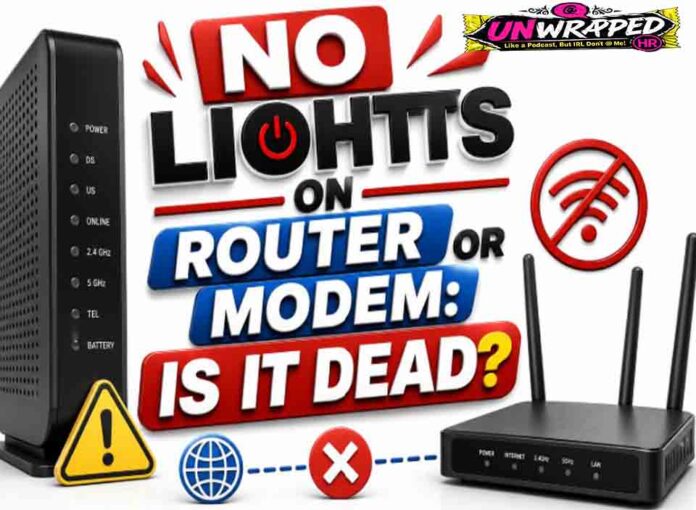
If you searched for “no lights on router“, the useful answer is not just a colour chart. You need to know whether the light is normal, whether the internet is actually down, and what to check without making the problem worse. Router and modem lights are not perfectly standard across brands, so always match the colour to the label beside the light and the exact model. Still, the pattern below will solve most home cases.
Quick answer: No lights usually means the router or modem has no power, the LEDs have been disabled, the power adapter is faulty, or the device has failed.
What it usually means
No-light issues are easier to diagnose than confusing colors, but they still have a few possibilities. NETGEAR says an off-power LED means the router is not powered on, while Eero notes that no light can mean either no power or a disabled LED. NBN also notes that turning lights off on some connection boxes does not turn the box off or affect operation. So before declaring the device dead, check whether the lights were intentionally disabled. The key is to separate three things: power, local Wi-Fi, and the connection to the provider. A router can broadcast Wi-Fi even when the modem or fiber box has no internet. Likewise, an Ethernet light can blink simply because traffic is moving, not because anything is wrong.
Common causes include: The power outlet is off or tripped. The power switch on the router is off.; Wrong, loose, or failed power adapter.; LEDs disabled in the app or router settings.; Device overheated or failed.; Power board or surge protector problem.
Fix it in this order
- Check the wall outlet with another small device.
- Confirm the router’s physical power switch is on.
- Use the correct adapter supplied with the router.
- Plug directly into the wall, not a power board, for testing.
- Look in the app if LEDs may have been disabled.
- Contact provider or manufacturer if power is confirmed and no lights return.
What not to do
Do not try random power adapters unless voltage, polarity, and current rating are correct. The wrong adapter can damage equipment. Also avoid changing advanced settings such as VLAN, PPPoE, bridge mode, or DNS unless you know why you are changing them. A normal reboot is safe; a factory reset is a last resort because it can erase Wi-Fi names, passwords, and custom settings.
When to get help
Replace or service the unit if a known-good outlet and correct power adapter still produce no light or function. When contacting support, give the exact device model, the light label, the colour, whether it is solid or blinking, and how long it has been happening. That detail is far more useful than saying only that the router is broken.
FAQ
Q: Can internet still work with no lights?
A: On some devices yes, if LEDs were disabled or timed out. Test Wi-Fi and the app before assuming failure.
Q: Why did lights disappear after setup?
A: Some modern routers dim or turn off LEDs after a period of normal operation.
Q: Should I reset it?
A: A reset will not help if the device has no power.
See Also: Modem Power Light Blinking: Startup, Update, or Fault?