



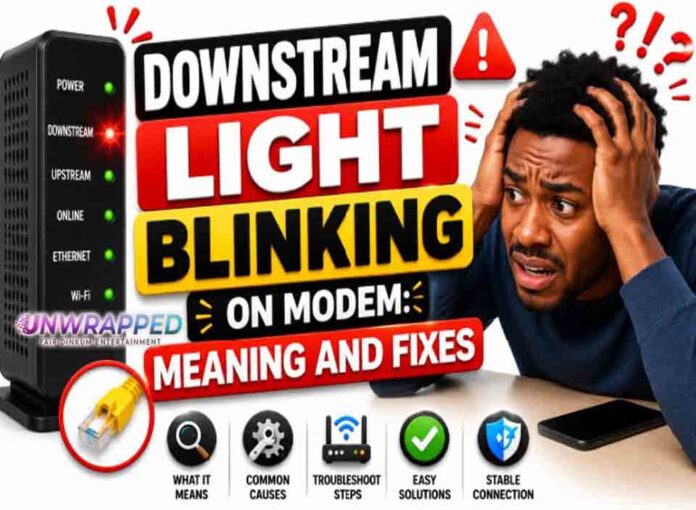
If you searched for “downstream light blinking modem”, the useful answer is not just a colour chart. You need to know whether the light is normal, whether the internet is actually down, and what to check without making the problem worse. Router and modem lights are not perfectly standard across brands, so always match the colour to the label beside the light and the exact model. Still, the pattern below will solve most home cases.
Quick answer: A blinking downstream light usually means the cable modem is scanning for downstream channels and has not fully locked to the provider signal.
What it usually means
Downstream is the path from the cable provider to your modem. NETGEAR says its downstream LED blinks green or white when the cable modem is scanning for a downstream channel. Solid amber can indicate one downstream channel is locked, while solid green or white can indicate two or more channels are locked. During boot-up this is normal. If it never settles, the modem may not be receiving a clean signal. The key is to separate three things: power, local Wi-Fi, and the connection to the provider. A router can broadcast Wi-Fi even when the modem or fibre box has no internet. Likewise, an Ethernet light can blink simply because traffic is moving, not because anything is wrong.
Common causes include: Normal startup scan after reboot.; Loose or damaged coax cable.; Bad splitter, wall plate, or connector.; Provider signal issue or outage.; Modem activation or provisioning problem.; Faulty modem hardware.
Fix it in this order
- Wait for the startup sequence to finish.
- Check coax at the wall and modem.
- Remove unnecessary splitters for a test.
- Use a different coax outlet only if you know it is active.
- Restart once and watch whether downstream becomes solid.
- Ask the provider to check signal levels remotely.
What not to do
Do not assume a router reset will fix downstream scanning. The issue is usually between modem and provider network. Also avoid changing advanced settings such as VLAN, PPPoE, bridge mode, or DNS unless you know why you are changing them. A normal reboot is safe; a factory reset is a last resort because it can erase Wi-Fi names, passwords, and custom settings.
When to get help
Call support if downstream keeps blinking after a clean restart, especially if the Online light never becomes solid. When contacting support, give the exact device model, the light label, the colour, whether it is solid or blinking, and how long it has been happening. That detail is far more useful than saying only that the router is broken.
FAQ
Q: What is downstream?
A: It is data coming from the provider network to your modem.
Q: Can a modem update cause blinking?
A: Sometimes. If other lights suggest an update, wait before rebooting.
Q: Should downstream be solid?
A: On many cable modems, yes, after channels are locked.
See Also: Upstream Light Blinking on Modem: Meaning and Fixes